
Schedule a night and share it
Set up the night days ahead, print its QR poster now, and the lobby opens by itself before the start.
-
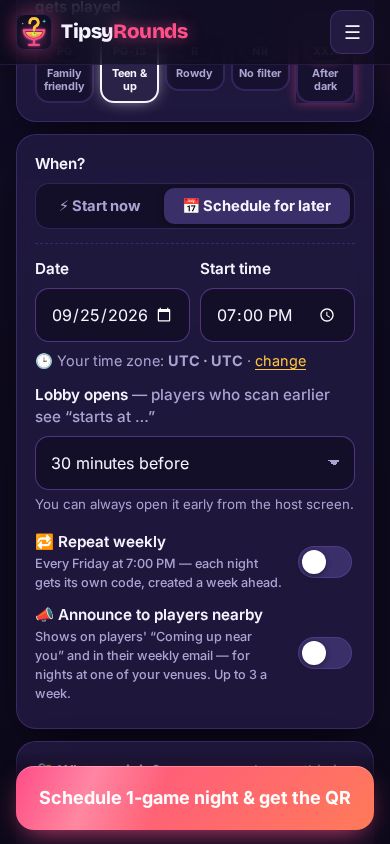
Step 1: Pick Schedule for later
In the builder, under When?, tap 📅 Schedule for later, then set the date and start time (in your time zone). Scheduled nights need any paid plan.
-
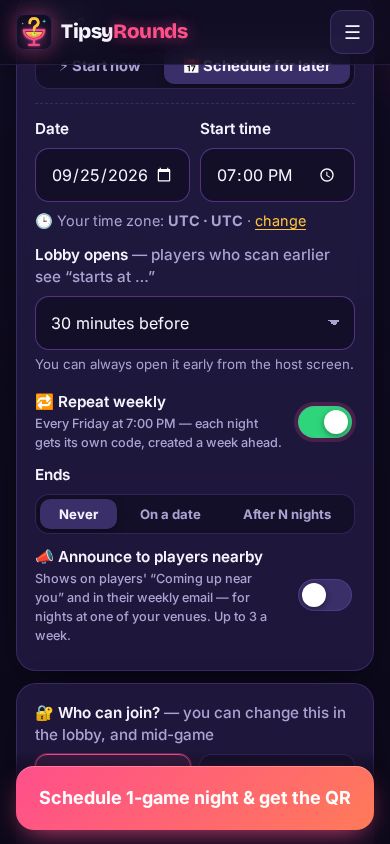
Step 2: Repeat it weekly
Choose when the Lobby opens (30 minutes before, say) and switch on 🔁 Repeat weekly for a regular night. Each night gets its own code, a week ahead.
-
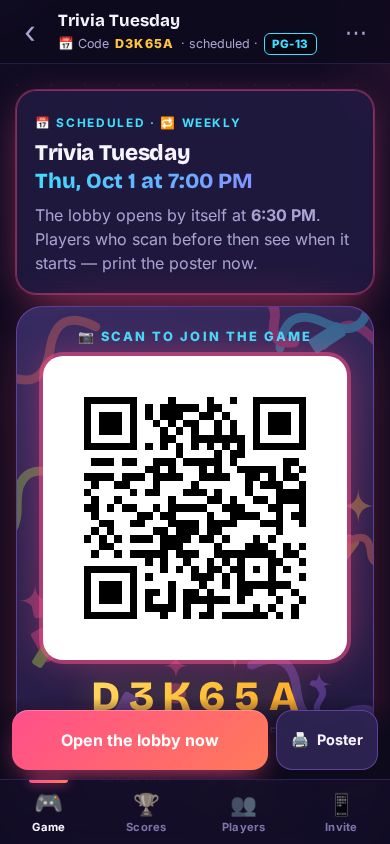
Step 3: Print and share the QR
Tap Schedule … & get the QR. The night’s host screen has its QR and code already — print the Poster, or Share link from the Invite tab.
-
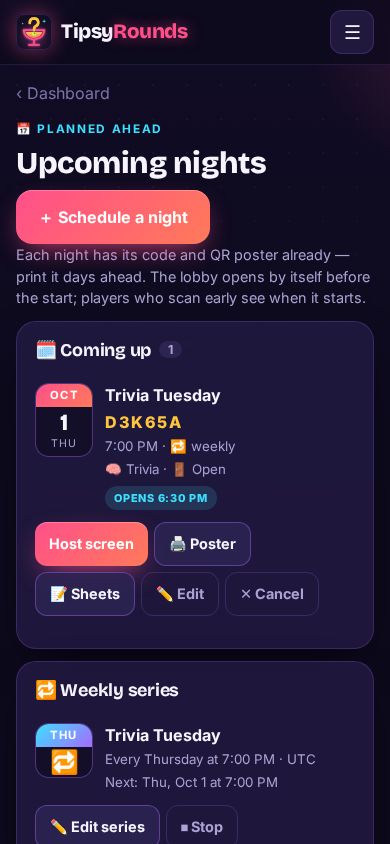
Step 4: Find it later
Dashboard → Upcoming nights lists every night and weekly series: open the host screen, print the poster, edit or cancel.
Good to know
- Players who scan early see when the night starts. You can always open the lobby early from the host screen.
- A night at one of your venues can be announced to players nearby.
Still stuck? Contact us — a real person reads every message. · All help articles