
How to play TipsyRounds
One phone runs the game. Every other phone is a buzzer. Here’s a real game night, start to finish — it takes about 30 seconds to set up.
-
1
Host opens a game night
Tap Host a game, choose your games and packs, and set the vibe from PG to after-dark. A big QR code and a 6-letter code appear on your phone.
- No signup needed for your first game
- Queue several games — switch any time
🎤 Host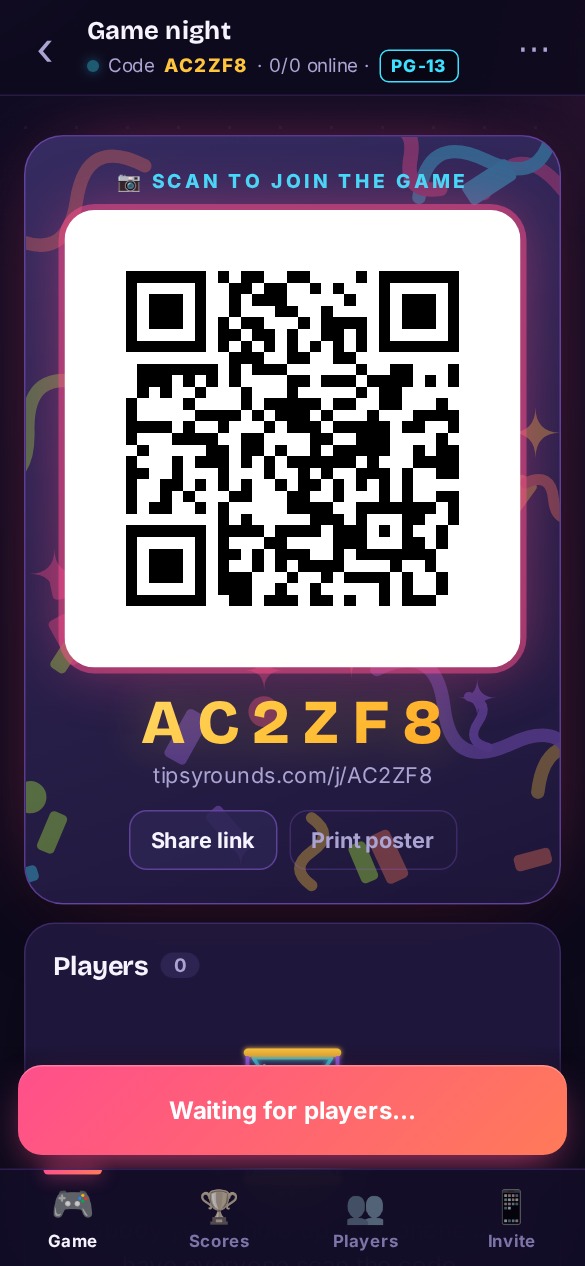
-
2
Everyone scans the QR code
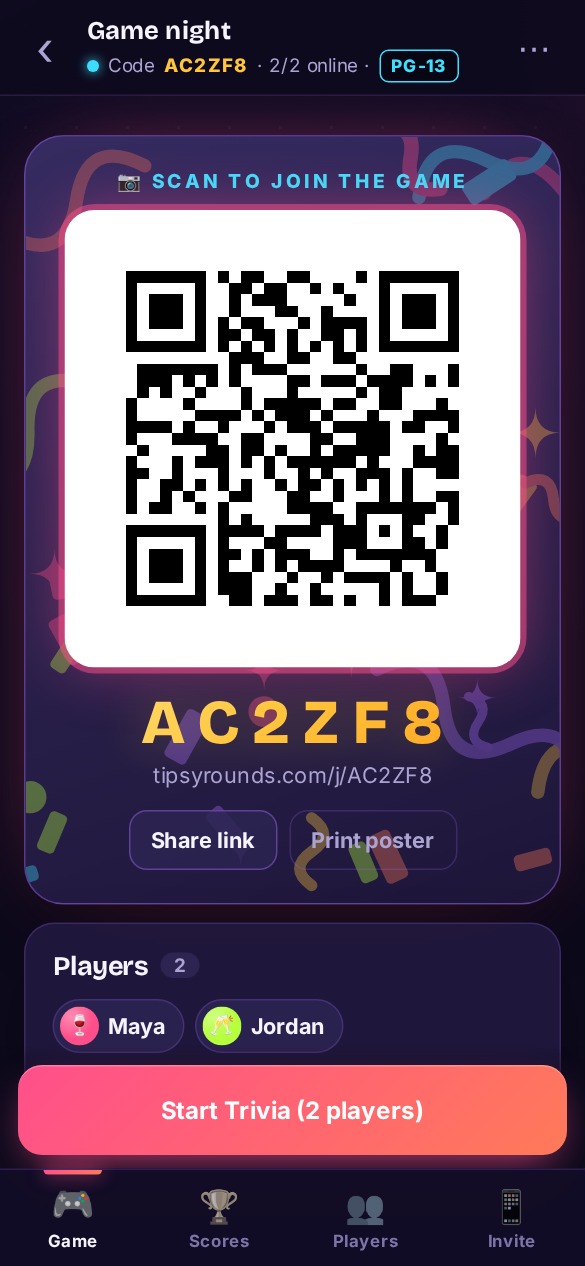
Friends point their phone camera at your screen, pick a name, avatar and team, and they’re in the lobby. Nothing to download.
- Works on iPhone and Android
- Late arrivals can join mid-game
📱 Player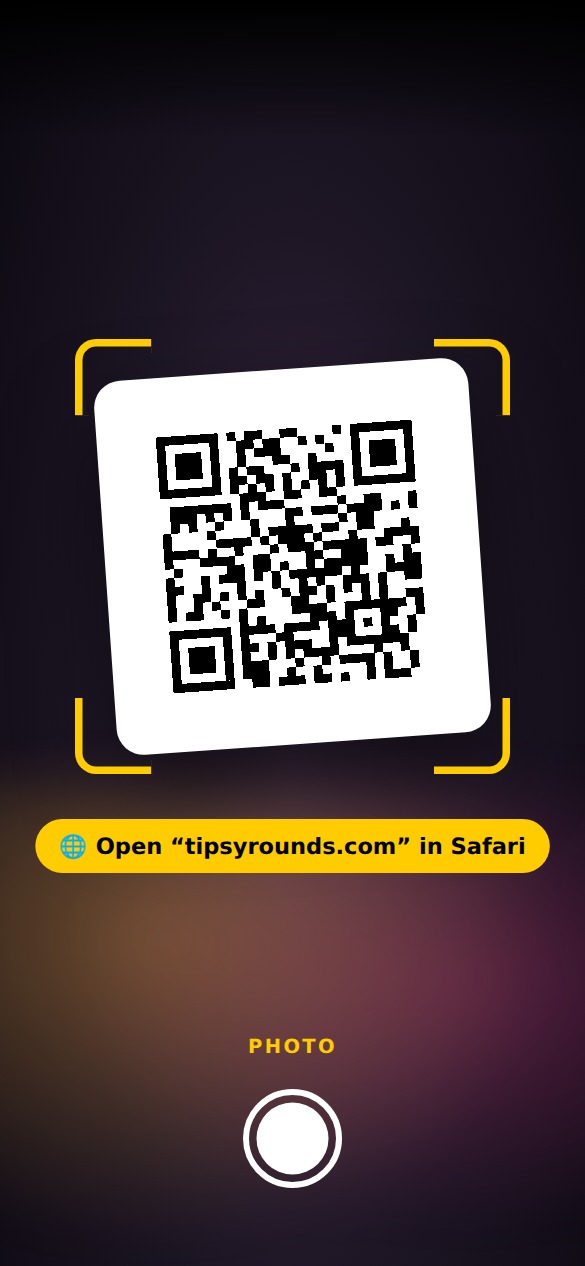 🎤 Host
 📱 Player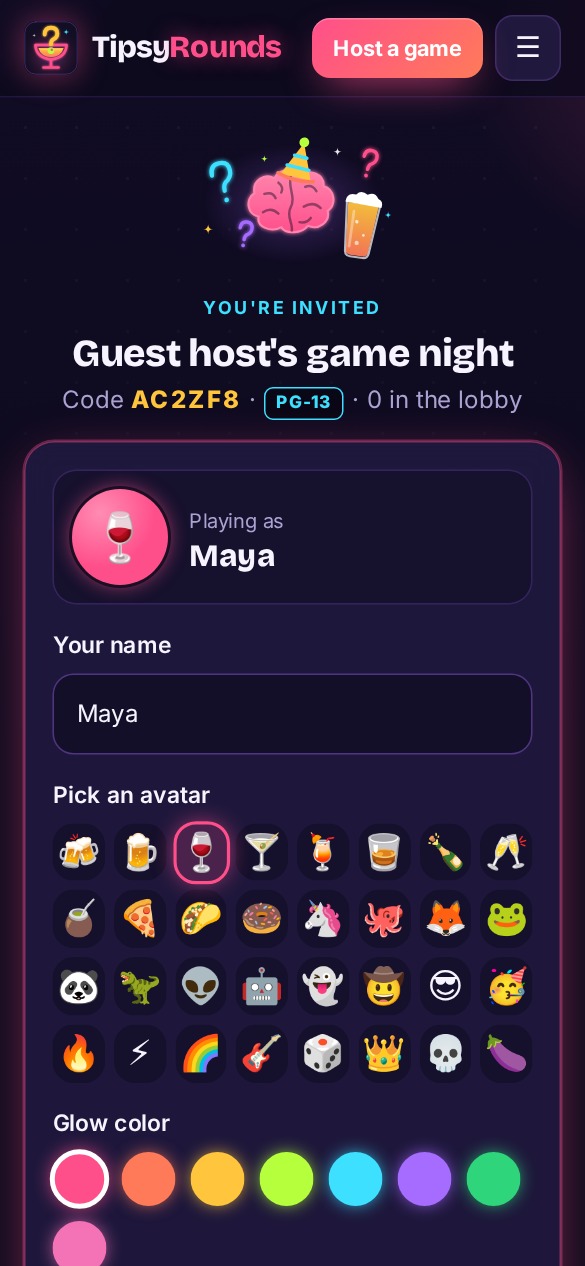
-
3
Answer on your own phone
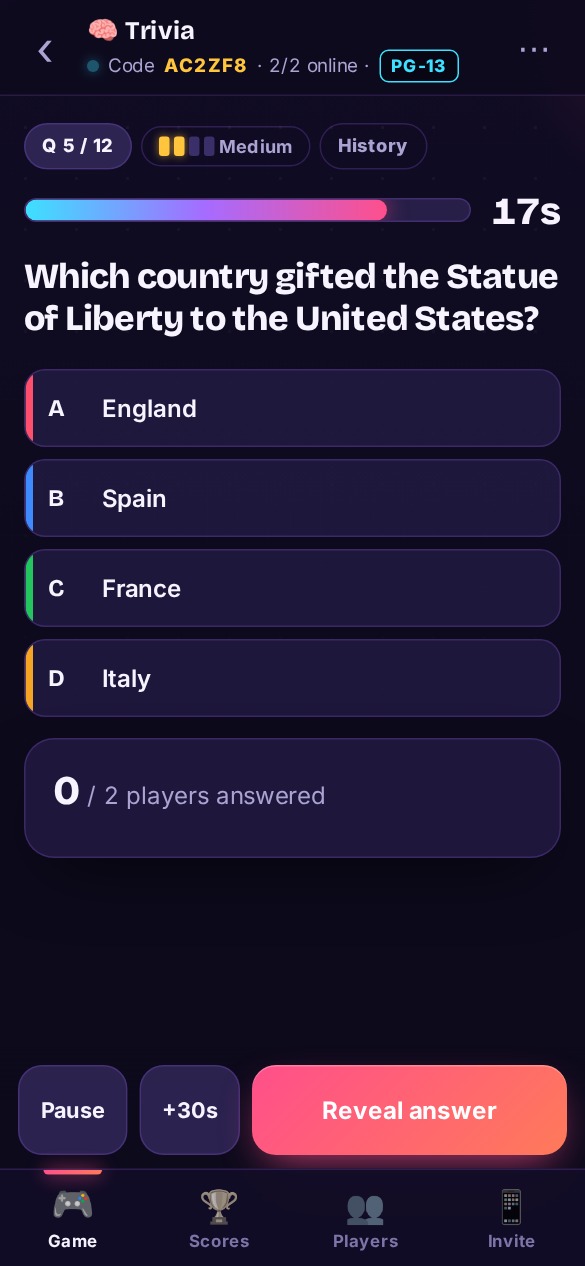
Each question pops up on every phone. Players tap their answer privately while you run the clock — no shouting over each other.
- Timer, pause and +30s on the host phone
- Faster right answers score bonus points
📱 Player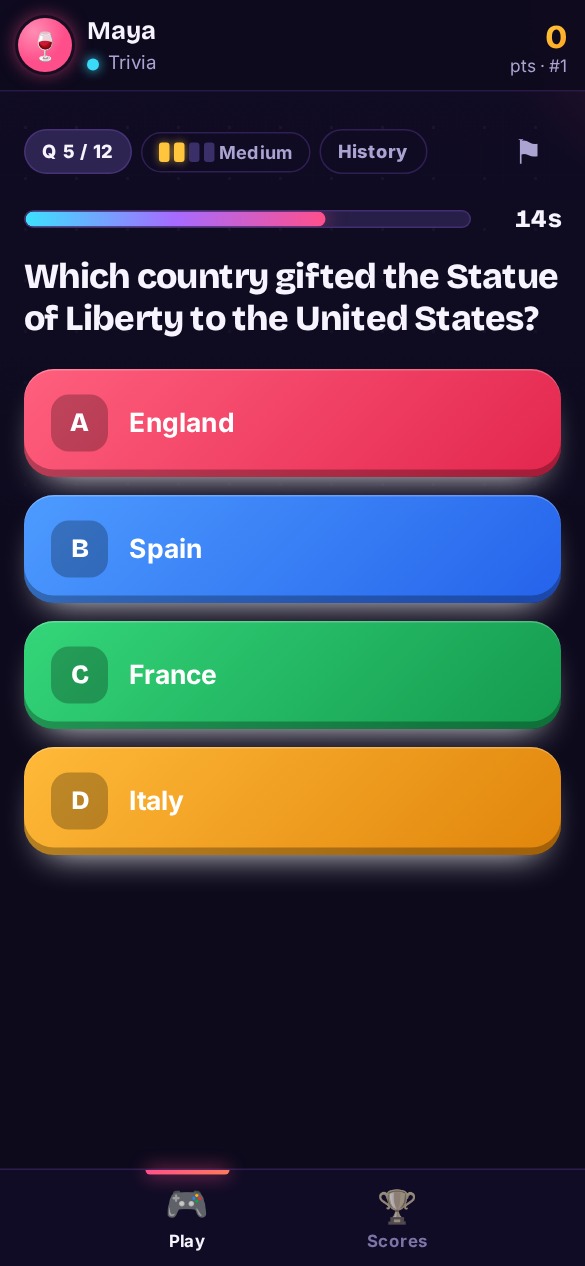 🎤 Host
 📱 Player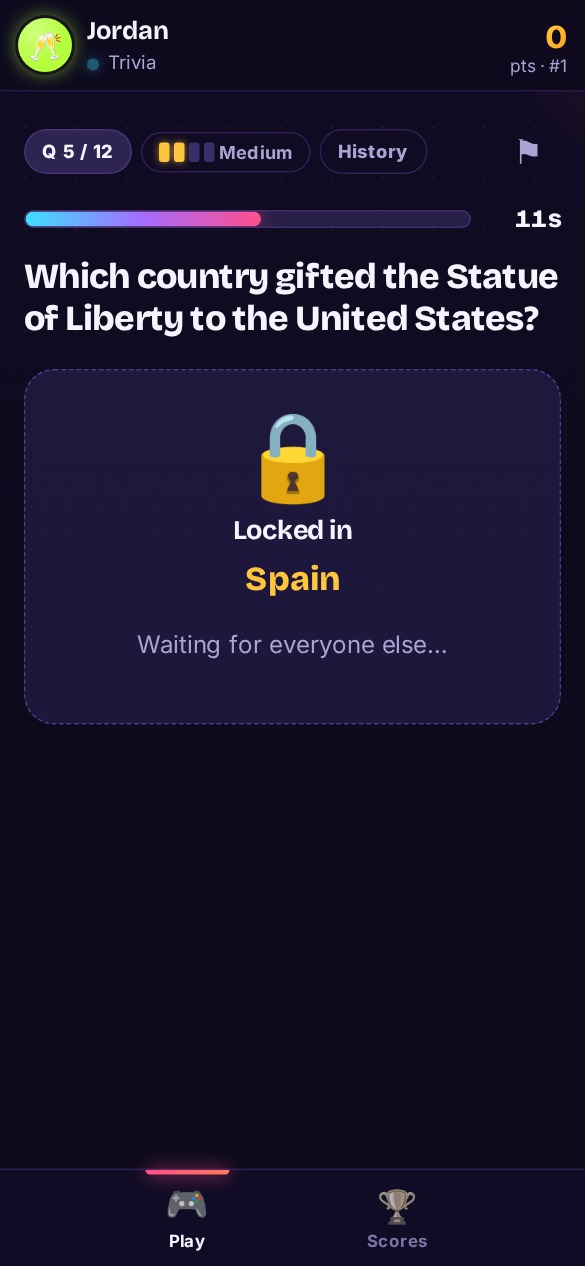
-
4
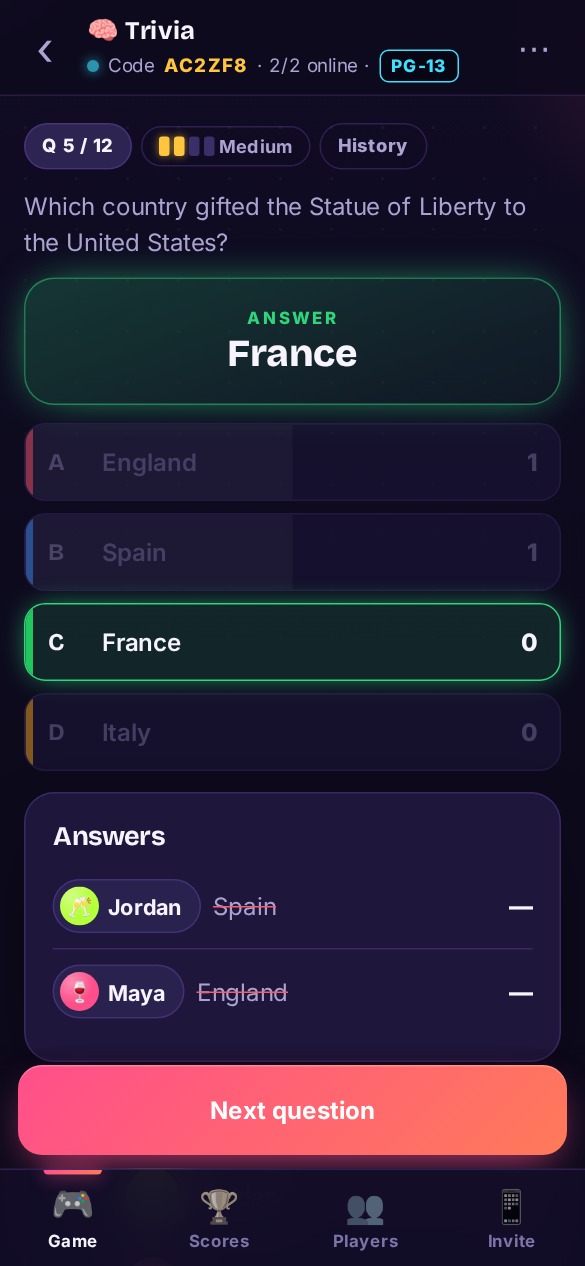
Reveal, score, repeat
Reveal the answer and see who nailed it. Points add up live and the leaderboard updates on every phone. Winners get confetti.
- Scores carry across every game of the night
- Crew leaderboards for your regulars
📱 Player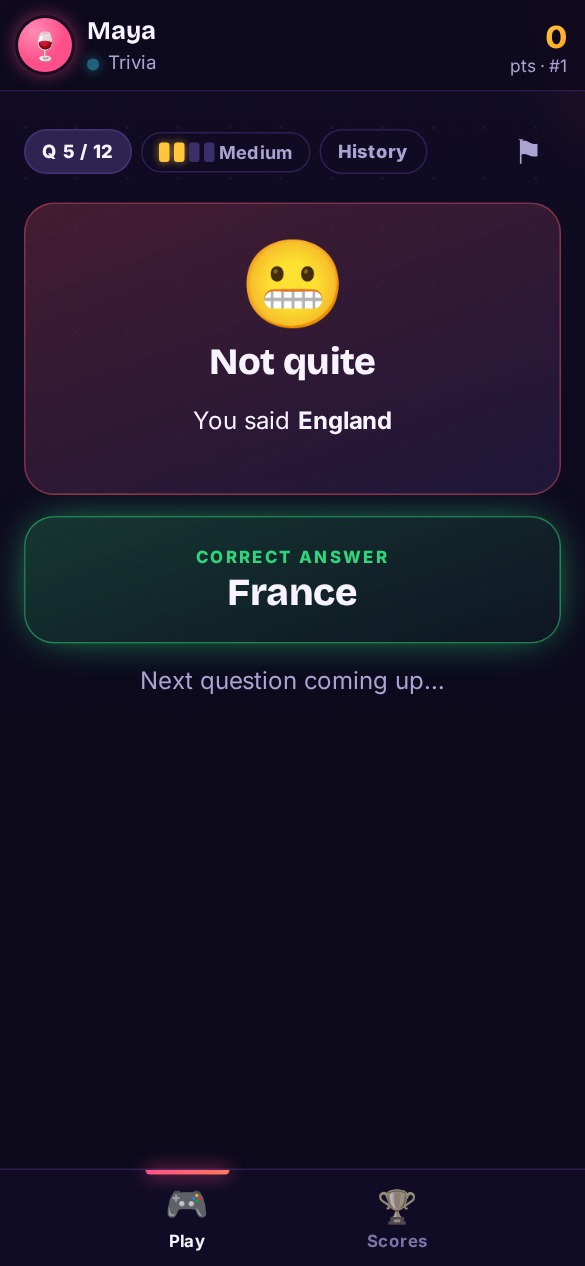 🎤 Host
 📱 Player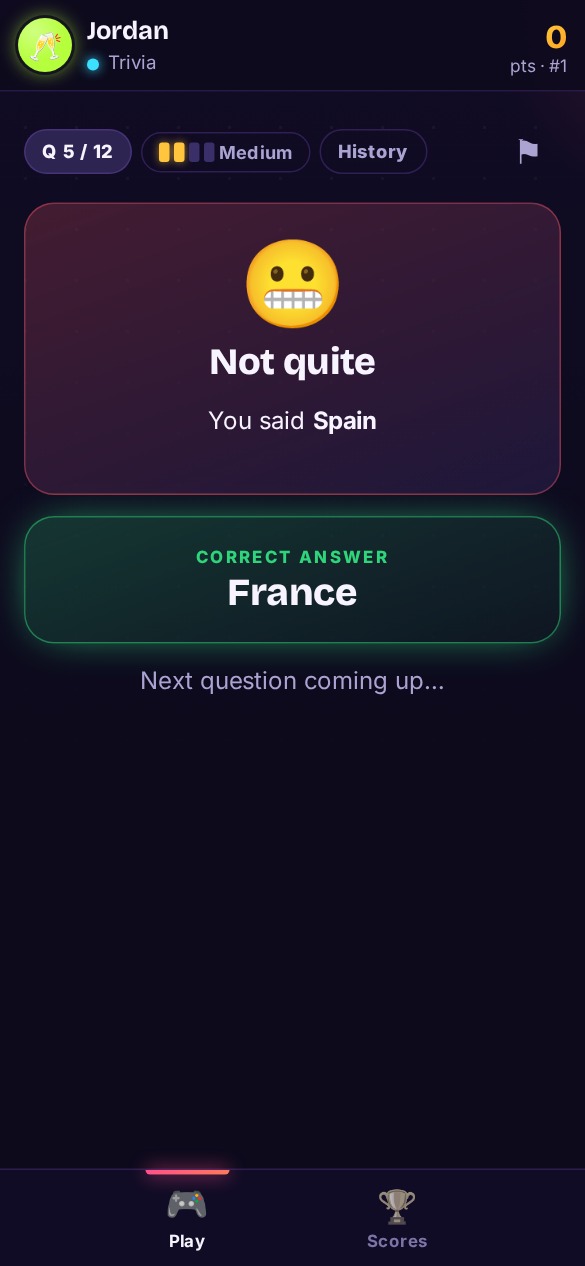
Everything you need to run the room
Food arrived? Pause the clock or give everyone more time.
Jump from trivia to Most Likely To mid-night. Nobody re-joins.
Set PG for the office or R for the bar — nothing spicier sneaks in.
Same team name or table number = same team. Team vote: huddle on your phones, majority rules, captain breaks ties.
Hand host controls to a player, take them back any time.
Print a poster for every table at your bar or party.
Pick a game
 TriviaClassic quiz — fastest right answer wins big.
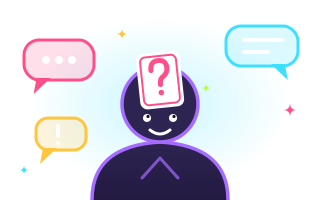 Blind SpotEveryone can see your word except you.
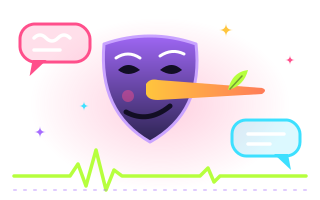 Fib FinderWrite a lie so good your friends pick it over the truth.
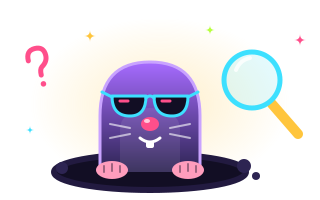 The MoleSomeone's been getting a different question… and they don't know it.
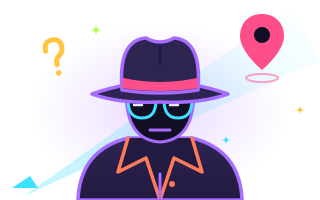 SpyEveryone knows the location — except the spy.
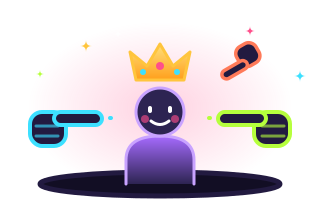 Most Likely ToPoint fingers (secretly). Crown the table's most likely.
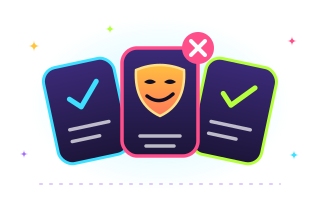 Two Truths & a LieTwo are true. One is a lie. Can you tell which?
 Never Have I EverConfess in secret. Guess how many of you have.
 Closest WinsNobody knows the answer. Closest guess wins.
 Who Said That?Write something funny. Then guess who wrote what.
 Would You RatherTwo impossible choices. Pick a side.
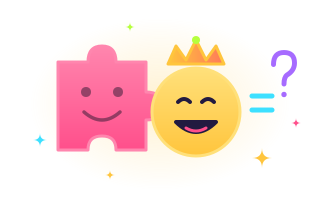 Emoji Decode🦁👑 = ? Crack the emoji clue before everyone else.
Good to know
Do players need to download an app?
No. Players scan the QR code with their phone camera (or type the 6-letter code at tipsyrounds.com) and play in the browser. No app, no account.
Do we need a TV?
No. Everything shows on each player’s own phone. A TV is a nice extra for bars: open tipsyrounds.com/tv on it and type its code on your host phone, or tap 📺 Cast to send it to a Chromecast or Google TV. Don’t mirror or AirPlay the host screen — it shows the answers.
Can players join late?
Yes. Anyone can scan the code mid-game and jump in on the next question. Their score starts from zero.
Can people play from home?
Yes, unless the host says otherwise. By default anyone with the code or link can join — great for virtual trivia. For bar nights the host can pick who gets in: a 4-digit room PIN shown on the host’s screen (typed once, changes every minute), Nearby only (your phone checks you’re in the room — your location is never stored) or Host approval (the host taps ✓). The host can also see a 👀 when a player leaves the app during a question; it never blocks or costs points.
Can someone else take over as host?
Yes. From the Players tab, the host can hand the controls to any player and take them back any time.
How do teams work?
Players who type the same team name or table number play as one team — great for bar trivia where each table is a team. In Team vote (the default when you turn teams on) everyone picks on their own phone and sees their teammates’ picks: majority rules, and the team captain (first to join the team) breaks ties. Hosts can cap the players per team, and when teams play as individuals, team standings use the average score per player so a big table doesn’t win on headcount.
Planning a bigger night? Read the guide to hosting a trivia night.
Ready to try it?
Start a game as a guest right now — it’s free, and your friends only need their phones.
⚡ Host a game — freePlease play responsibly. Every game works just as well with soft drinks. 🥤