
Set up your venue: permanent QR, weekly night, venue TV
Why: a venue gives your bar one permanent QR to print once (it always opens tonight’s game), a public page with your schedule and leaderboards that brings players back, a TV that follows every night, and no repeat questions. Setup takes about five minutes.
-
Step 1: Add your venue
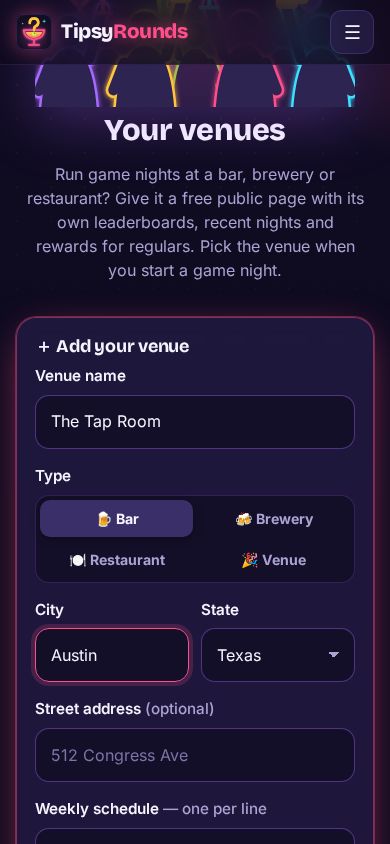
From the menu open 📍 My venues, type the name, pick the type (bar, brewery, restaurant, venue) and the city, then Create venue page.
-
Step 2: Find your permanent table QR
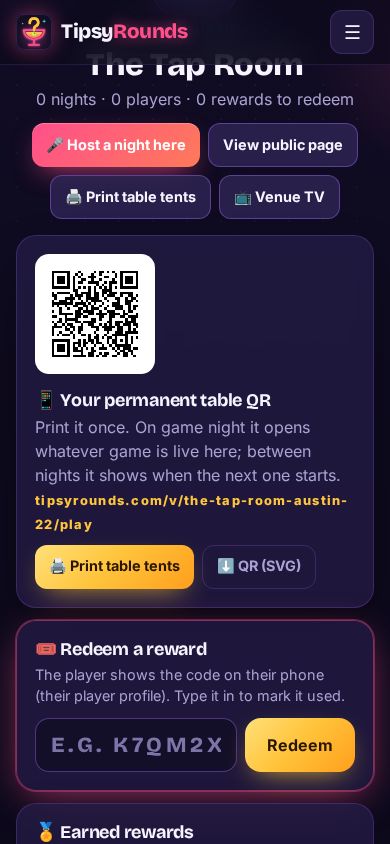
Open the venue (Dashboard → 📍 Your venues → your venue, or tap 📱 Table QR next to it). The permanent table QR never changes: it opens whatever game is live at your venue, and between nights it shows when the next one starts. That’s why you only print it once. Under it is a short link (tipsyrounds.com/v/…/play) for anyone who can’t scan. It comes with the Pro & Venue plan.
-
Step 3: Print the table tents
Tap 🖨️ Print table tents. Pick 2 per page (fold-over tents) or 4 per page (table cards), then 🖨️ Print. Use plain letter paper or card stock at 100% scale. For fold-over tents, fold each sheet along the middle line: the top half prints upside down so both sides read the right way up on the table. Put one on every table and by the bar. You can also tap ⬇️ QR (SVG) for a sharp QR to put on menus, coasters or a poster.
-
Step 4: Link a venue TV
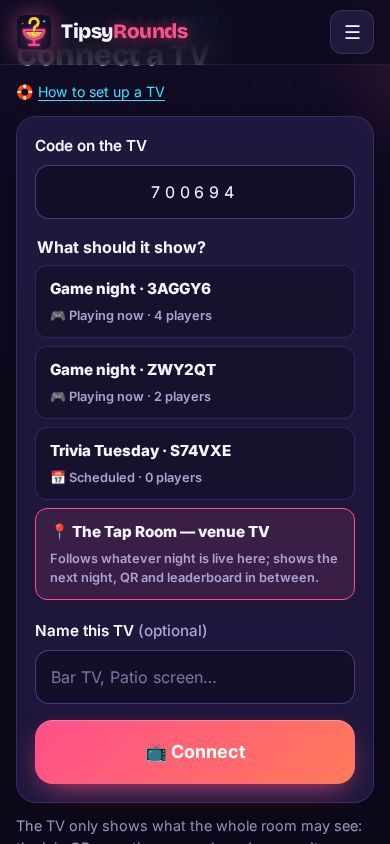
Open tipsyrounds.com/tv on the bar TV, scan its QR with your phone and pick 📍 … — venue TV. It follows every night there and shows the next night in between (the Pro & Venue plan).
-
Step 5: No repeat questions
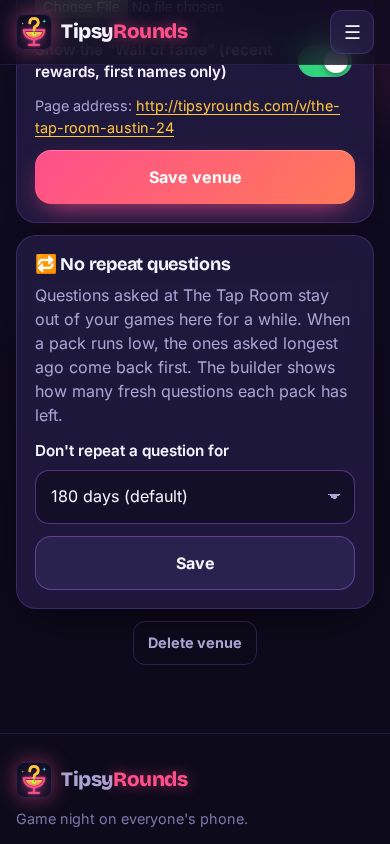
On the venue page, 🔁 No repeat questions keeps questions asked there out of your games for 30 days up to never. Free for everyone.
-
Step 6: Host a night there
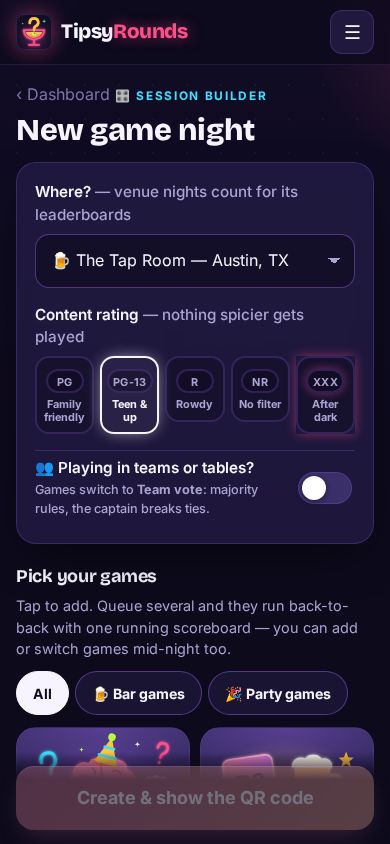
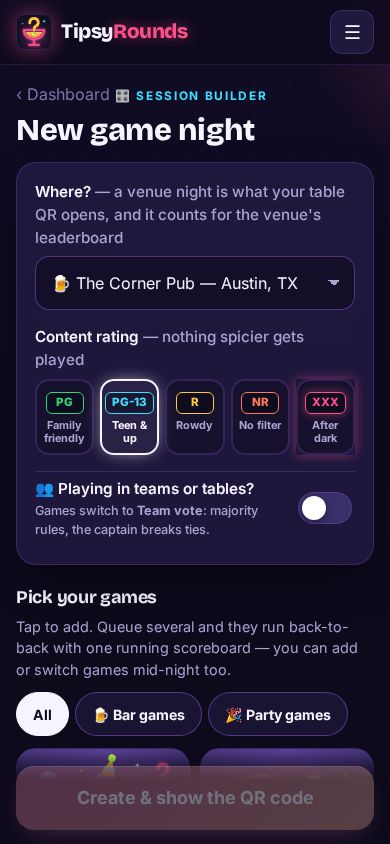
Tap + New game night. Where? already shows your venue (your only one, or the one you used last) — that’s what links the night to the table QR, the venue TV and the venue’s leaderboards. Pick 🏠 Personal night only for a night somewhere else.
Tips
- Started a night without the venue? The host screen says Not linked to … — tap Link to … and the table QR finds it right away.
- Schedule the weekly night once (+ New game night → ⚙️ Night options → 📅 Schedule for later, tick 🔁 Repeat weekly): its lobby opens by itself before the start time, so the table QR works with nobody touching a phone. See Schedule a night and share it.
- Two nights live at once? The table QR lets players pick which one.
- Who can see it? On the venue page pick 🌎 Public, 🙈 Unlisted (off the lists and search; the table QR, venue TV and page still work by link) or 🔒 Private (your address book only: a house or an office party, never shown or emailed about).
- Which QR shows on the screen? On a venue night the host screen, TV and poster show the venue’s table QR. A host can switch any night to My QR or Tonight’s code (⋯ → 📱 QR on screen), or make their own QR the default on 🎤 Host page & places. Every QR opens the same game.
- Every signed-up host has their own QR too (🎤 Host page & places → 📱 Your own QR): it opens whatever they’re hosting right now, at any bar, so a travelling quizmaster prints one set of tents.
- A trivia host who isn’t you? They tap I host here on their 🎤 Host page & places; you get an email and Approve them on the venue page. Their nights then open from your table QR and count on your leaderboard.
- Players tap 🔔 Follow on your venue page or at the end of a night (no password needed). When you schedule a night they get one email with ➕ Add to calendar, and a reminder that afternoon.
- Rewards for regulars (every 5th visit, winners…) come with the Pro & Venue plan.
Still stuck? Contact us — a real person reads every message. · All help articles