
How to host a trivia night
Whether it's a Tuesday bar trivia night, a birthday, a holiday party or a team-building hour at the office, a good trivia night comes down to three things: great questions, an easy way to answer, and a host who keeps it moving. TipsyRounds handles the first two for free, from the phone in your pocket.
What you need
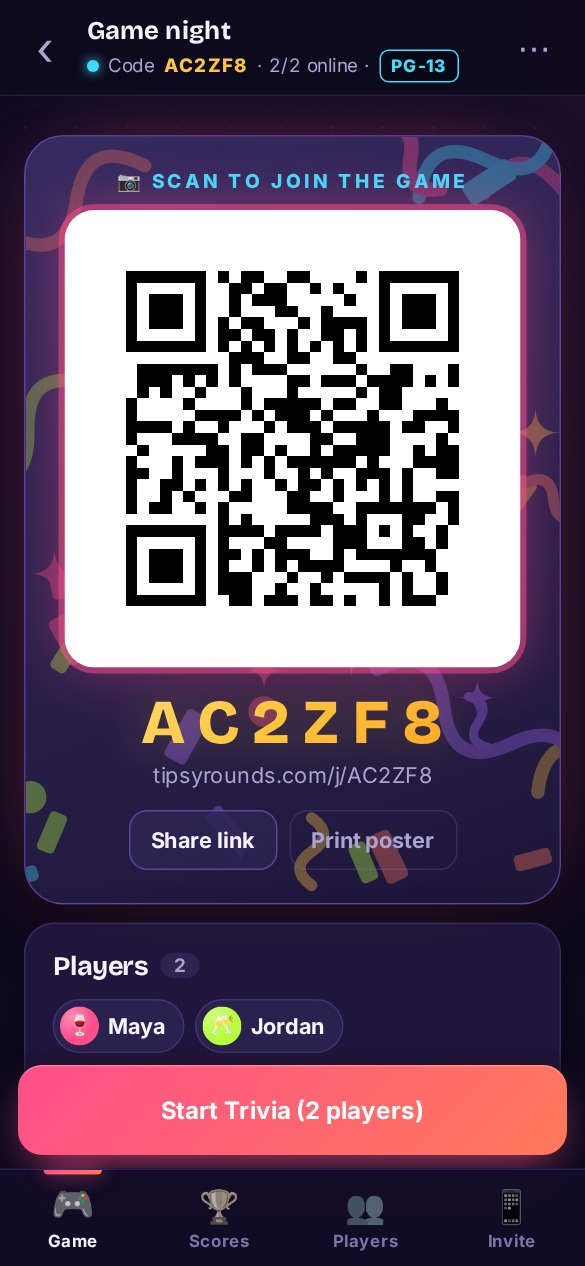
- One phone for the host. That's your control panel: it shows the QR code, the questions, the timer and the scores.
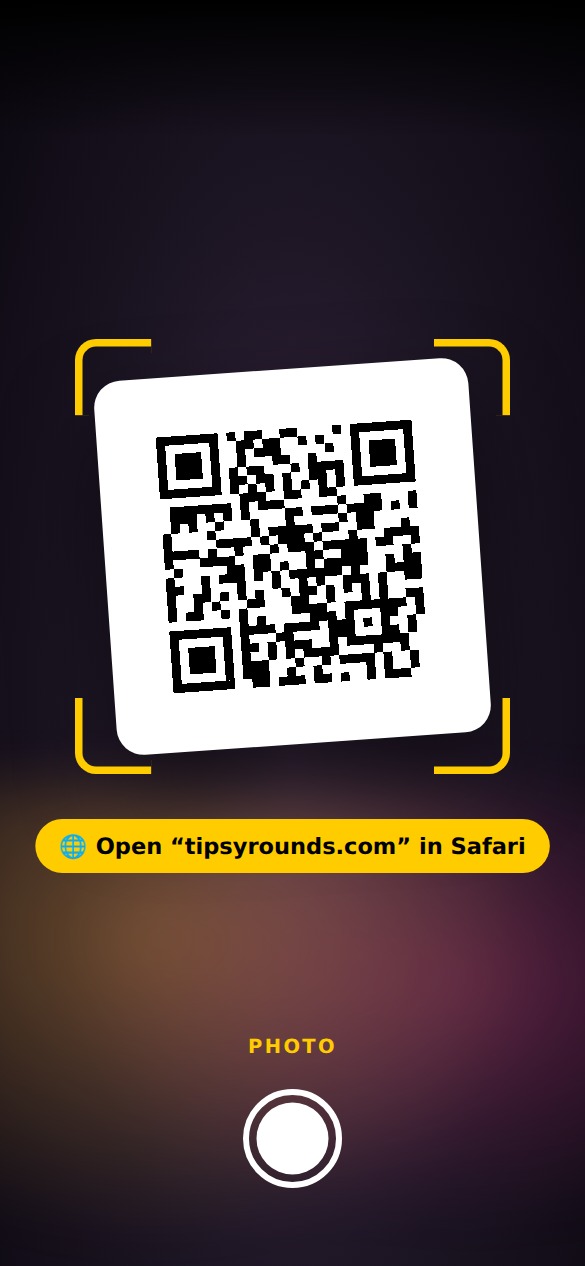
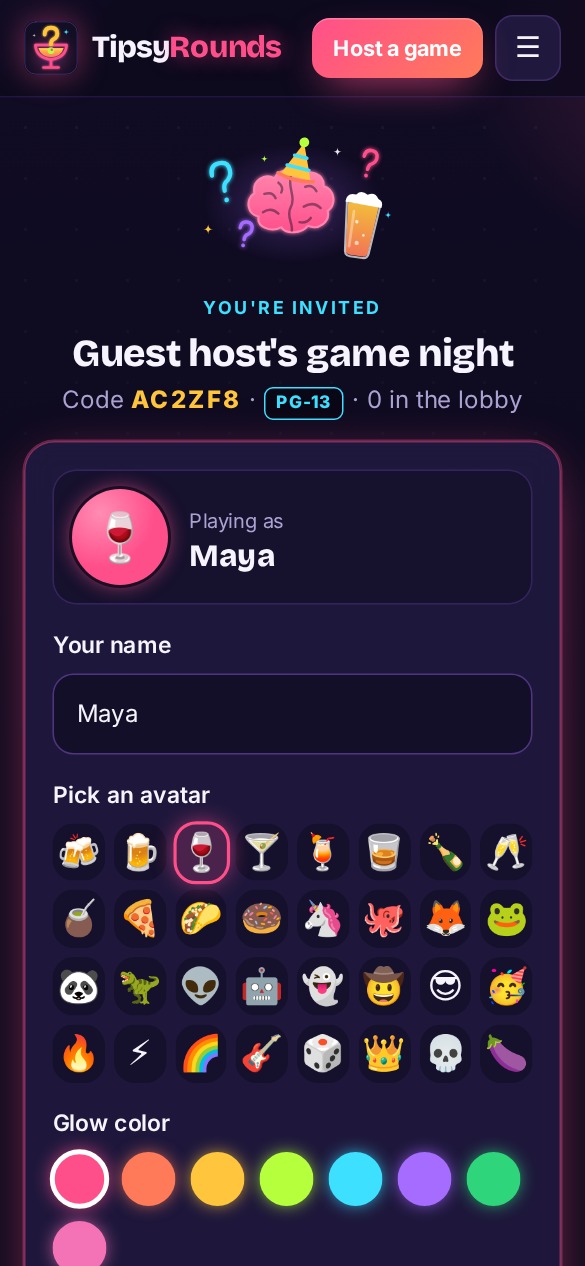
- A phone for each player or team. Players scan the QR code with their camera, or go to tipsyrounds.com and type the game code. No app, no account, nothing to download.
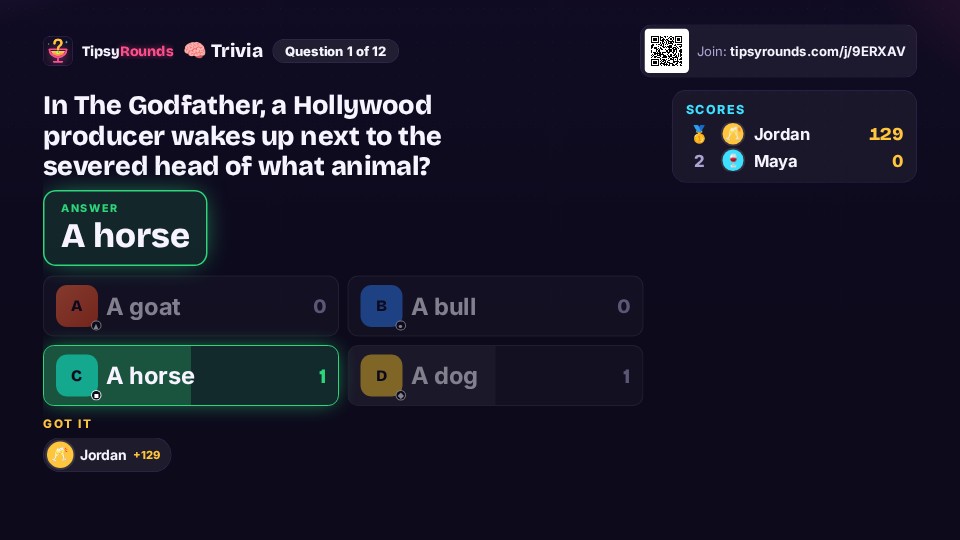
- Optional: a TV or projector. Get the free TipsyRounds TV app on a Fire TV, Google TV or Roku, or open tipsyrounds.com/tv in the TV's browser (or on a laptop plugged into it), and type the code it shows on your host phone — or tap 📺 Cast to send it to a Chromecast or Google TV. The TV shows the join QR code, each question with a countdown, and the leaderboard. It shows an answer only when you reveal it. Don't mirror your host phone, because it shows the answers ahead of time. Setting up a TV ↓
- Optional: prizes. A bar tab, a gift card, a trophy from the dollar store — bragging rights work too.
Step by step
Pick your packs
Choose a mix of general knowledge and a themed pack or two. Set the rating — PG for family night and the office, PG-13 or R for the bar crowd.
Put up the QR code
Show it on your phone, a TV, or print the poster for every table. Teams can type a table number and play together.
Run the rounds
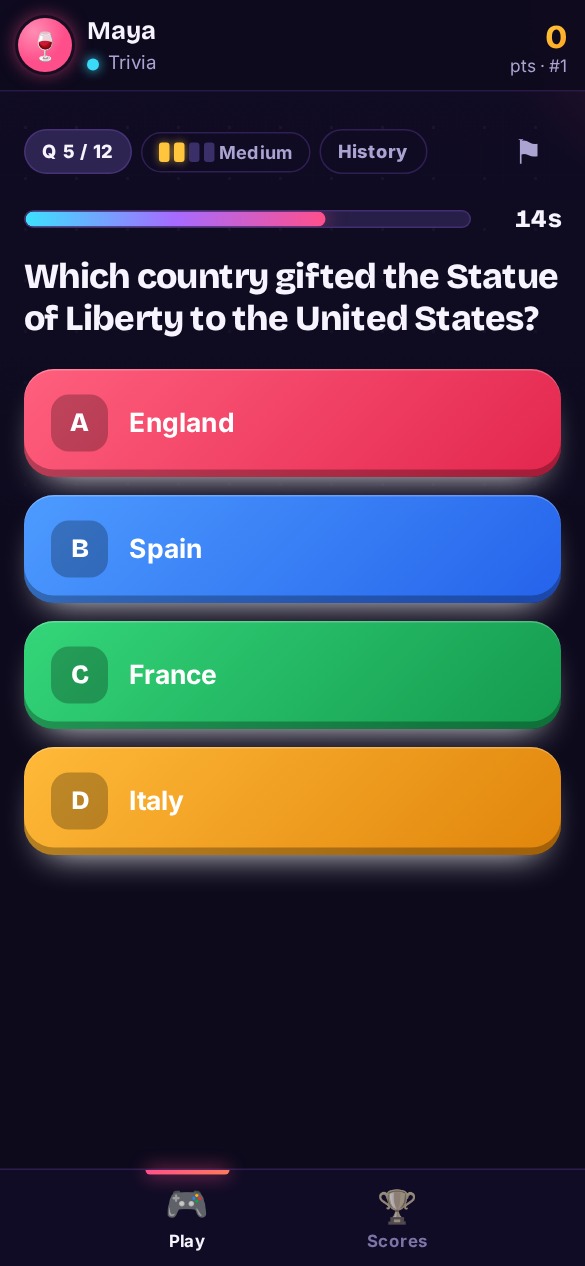
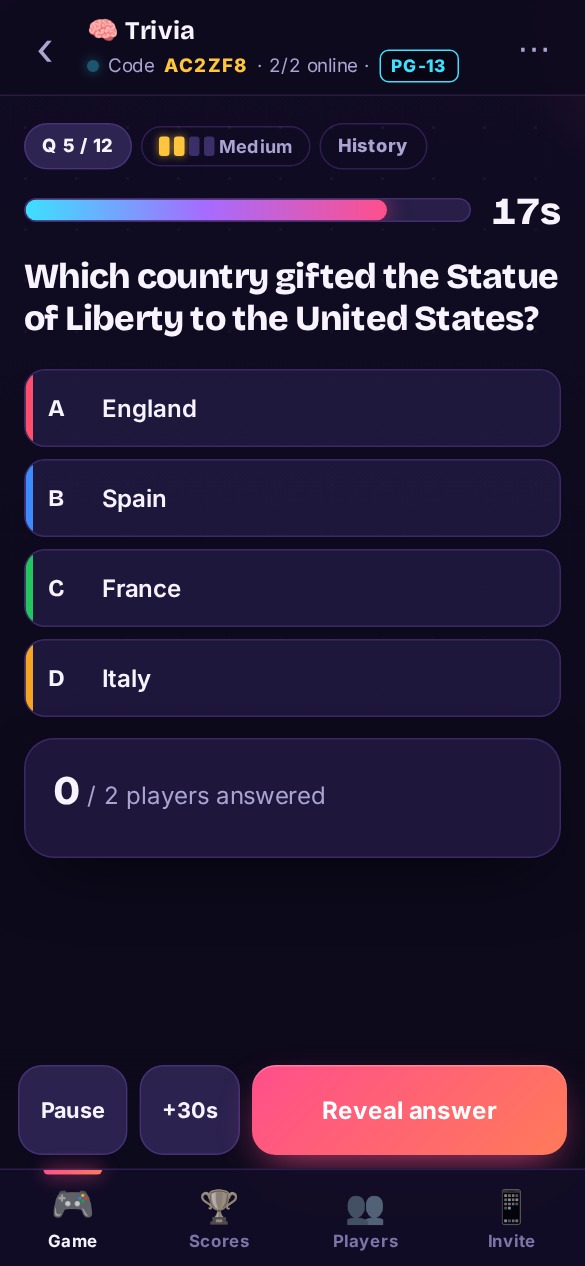
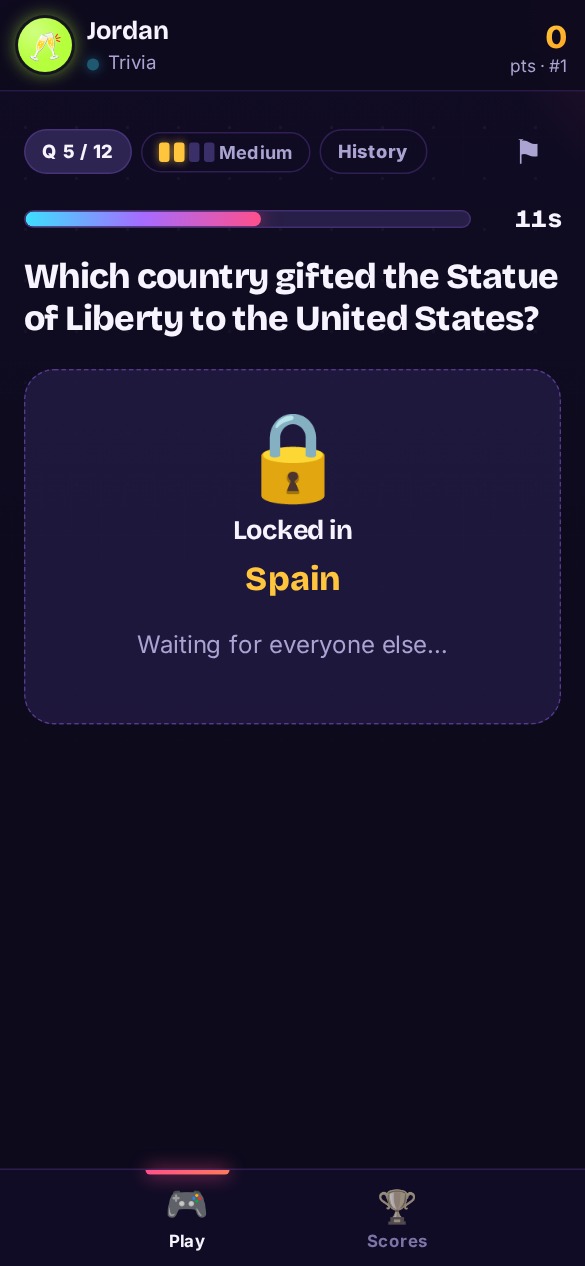
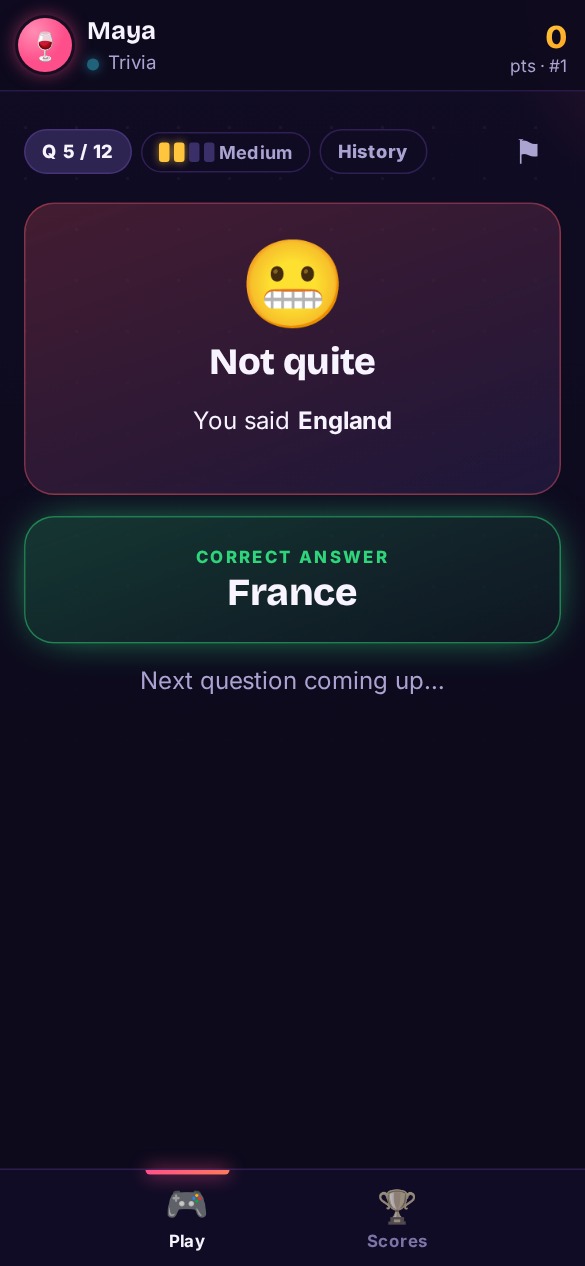
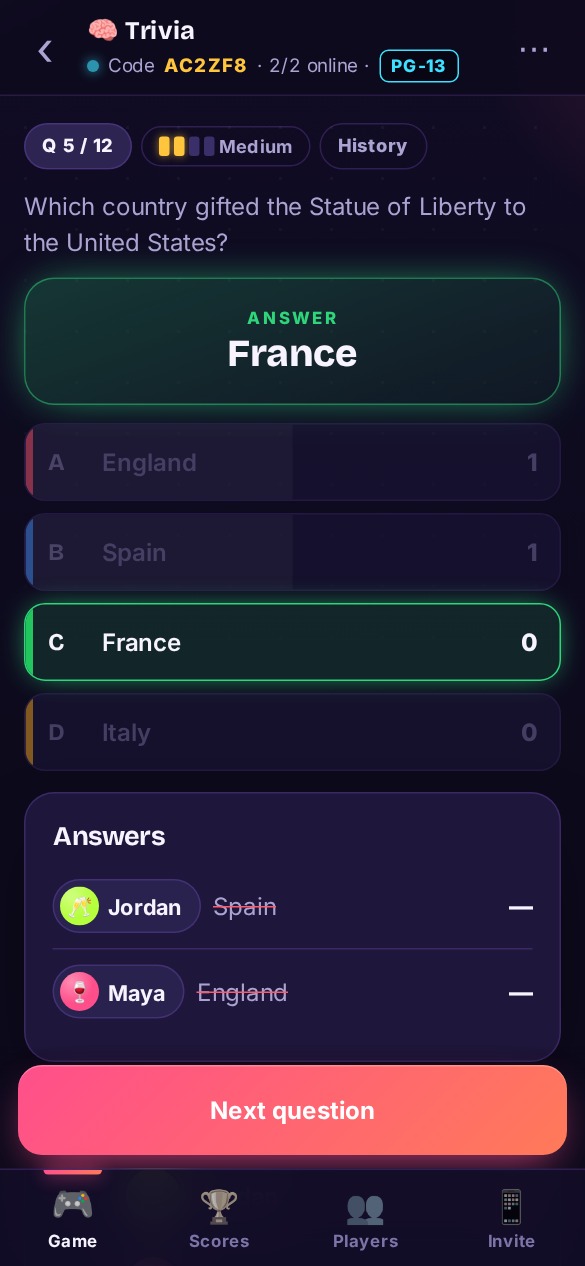
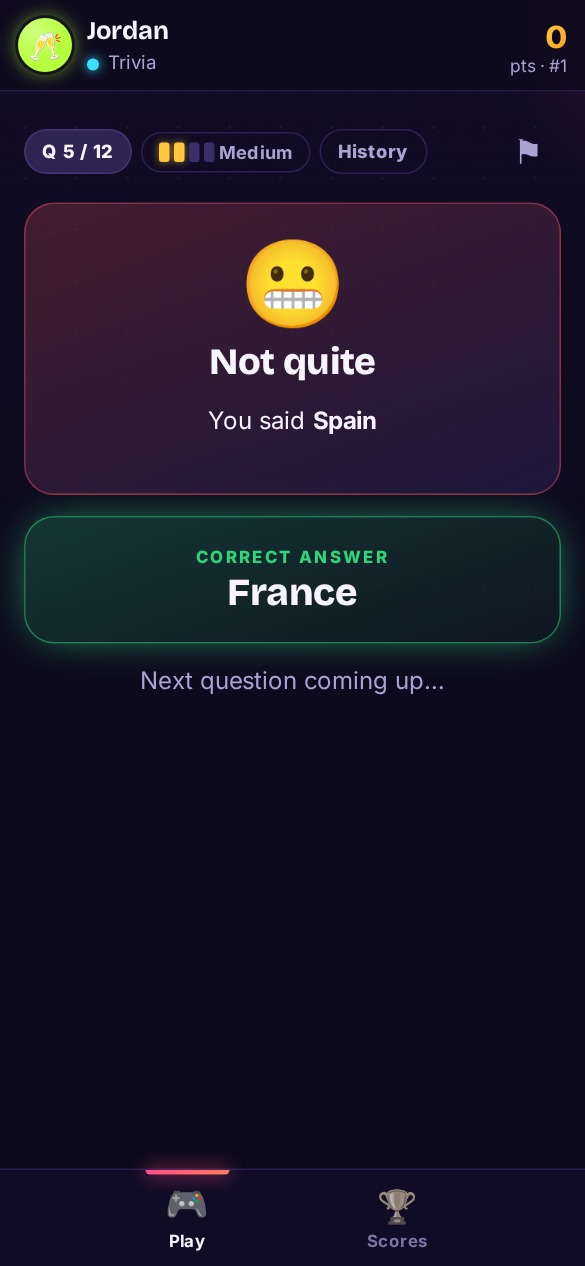
Tap Start. Questions appear on every phone, players answer privately, and you reveal the answer when the clock runs out. Scoring is automatic.
How many questions should a trivia night have?
For a classic bar trivia night, plan on 4–6 rounds of 8–10 questions — about 60–90 minutes with breaks for drinks and food orders. At a house party, two or three shorter rounds mixed with a party game like Most Likely To or Two Truths & a Lie keeps the energy up. Mix the difficulty so casual players score early and the know-it-alls still sweat the final round.
Teams, scoring and prizes
- Teams of 2–6 work best. In TipsyRounds, players who enter the same table number or team name play as one team — you can cap how many fit on a team.
- Team vote keeps everyone in it. Huddle on your phones, majority rules, captain breaks ties. Every teammate picks on their own phone and sees the table’s picks; other tables never do. Prefer speed? “First to lock in” lets one person answer for the table.
- Speed counts. With the speed bonus on (the default), faster right answers earn up to 50% extra, so ties are rare and every second matters.
- Keep a season going. Free accounts keep crews and monthly leaderboards, so your regulars can chase the top spot week after week.
- Announce the prize up front. It gets people to stay for the last round (and order another round).
Trivia night theme ideas
Theme nights pack the room. A few crowd favorites from the library:
Running trivia night at your bar or brewery
A weekly trivia night is one of the easiest ways to fill a slow weeknight. Pick a regular slot (Tuesday through Thursday is popular), print the QR poster for every table, and let the host run it from their phone — no trivia company fees, no answer sheets to grade. Players answer on their own phones, and your regulars build a leaderboard worth coming back for.
Setting up a TV (optional)
Everything works on phones alone. A TV just puts the join code, the questions and the scores up where the whole room can see them.
What works
- A Fire TV, Google TV or Roku — get the free TipsyRounds TV app (Amazon Appstore, Google Play, Roku), open it and type the code it shows on your host phone. Step-by-step: Fire TV, Google TV, Roku.
- A smart TV's web browser — open tipsyrounds.com/tv and type the code it shows on your host phone.
- A laptop plugged in by HDMI — same thing, in any browser, full screen.
- Chromecast or Google TV — tap 📺 Cast on your host phone. No code to type.
- Another streaming stick with a web browser — open the browser and go to tipsyrounds.com/tv.
🔊 Sound: the TV plays short cues (joins, countdown, reveal). Some TV browsers need one press of OK or a click first; a note on screen tells you when.
What not to do
- Never mirror or AirPlay your host phone. The host screen shows the answers — the TV page never does until you reveal them.
🛟 Step-by-step TV setup, with screenshots
For bars
- Link your venue TVs once. They stay linked week to week and pick up whatever night is live — on the Pro & Venue plan.
Holiday party trivia
Christmas trivia is the office-party MVP: Christmas movies, carols and songs, traditions around the world and an expert round for the superfans. Add Christmas editions of Most Likely To and Never Have I Ever and you've planned the whole party. Seasonal packs show up first when the holidays roll around.
Ready when you are
Hosting is free. Start a game as a guest in 30 seconds, or create a free account to keep your crews and leaderboards.
⚡ Start a trivia night