
Troubleshooting
Can’t join, a phone dropped out, a name is taken, the TV froze or there’s no sound — the quick fixes.
-
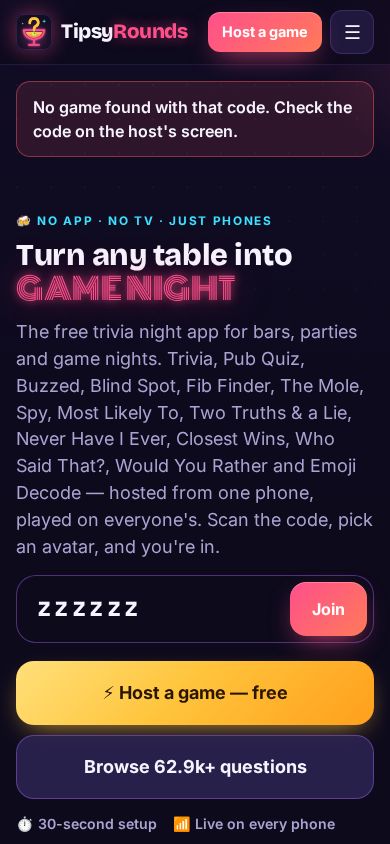
Can’t join the game?
“No game found with that code” means a typo — check the 6 letters on the host’s screen, or just scan the QR. A code that ended opens the results; a full game says how many players it holds.
-
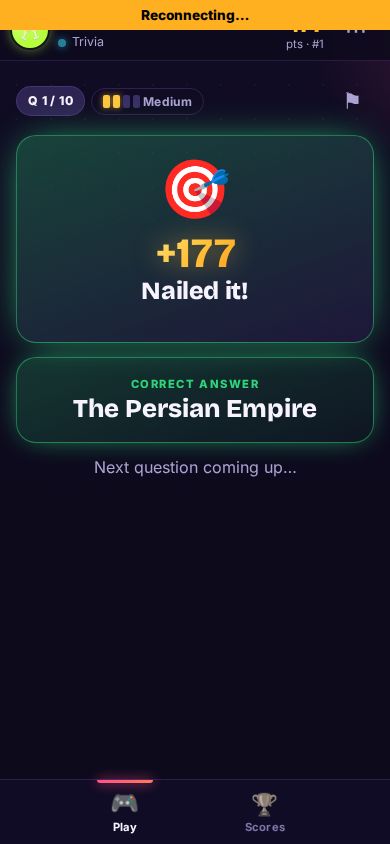
Phone disconnected?
A yellow Reconnecting… bar means the phone lost Wi-Fi or signal — it catches up by itself. If the page closed, open the same link again: the phone remembers you and your points.
-
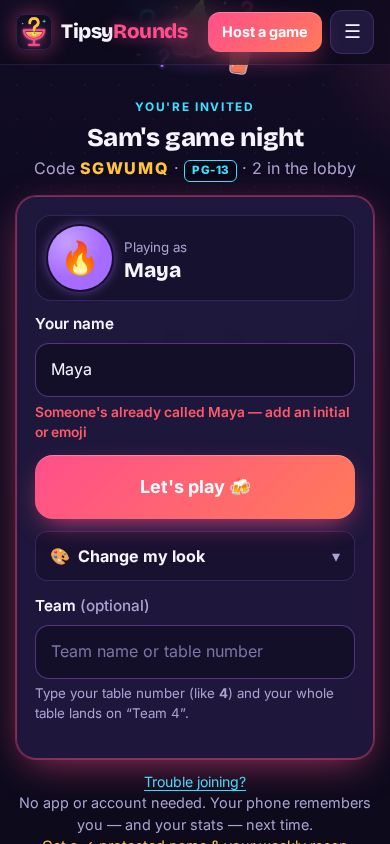
Name taken?
Two players can’t share a name in one game. Add an initial or an emoji (“Maya B”, “Maya 🍕”) and tap Let’s play again.
-
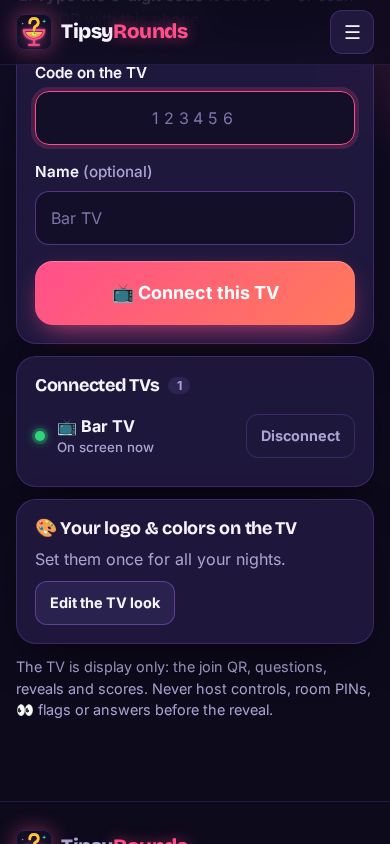
TV not updating?
Check ⋯ → 📺 Connect a TV → Connected TVs: a green dot means it’s on screen. If not, reload tipsyrounds.com/tv on the TV; if it shows a new code, type it again.
-
No sound?
Press OK on the remote or click the TV page once when it says 🔊 Press OK or click for sound, then check the TV’s own volume.
📺 TV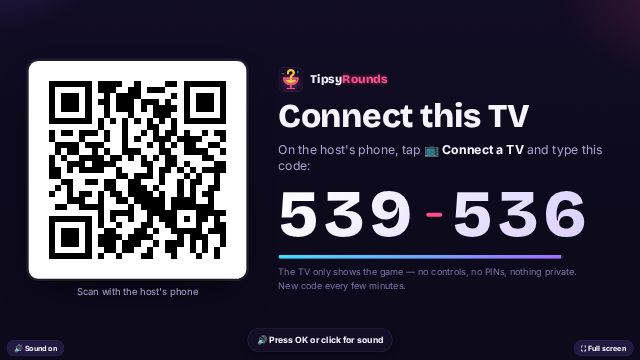
Still not working?
- Try the phone’s own browser (Safari or Chrome), not the browser inside another app.
- Reloading the host screen is safe — the game keeps running on the server.
Still stuck? Contact us — a real person reads every message. · All help articles