
Roku: the TipsyRounds TV channel
Put trivia on a Roku with the free TipsyRounds TV channel: add it, type its code on your host phone, and the game is on the big screen.
-
Step 1: Add the free channel
On the Roku, open Search, type TipsyRounds, select TipsyRounds TV and choose + Add channel. Or on your phone or computer, open add TipsyRounds TV to your Roku, sign in to your Roku account and confirm. It’s free, on Roku players and Roku TVs.
📺 TV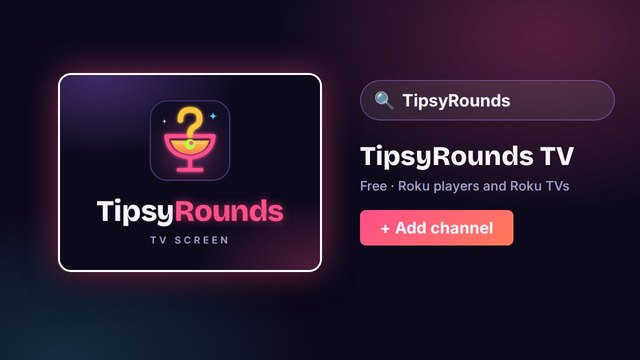
-
Step 2: Open it: a code appears
Open TipsyRounds TV from the Roku home screen. The TV shows a 6-digit code and a QR code. The code changes every few minutes, so use the one on screen.
📺 TV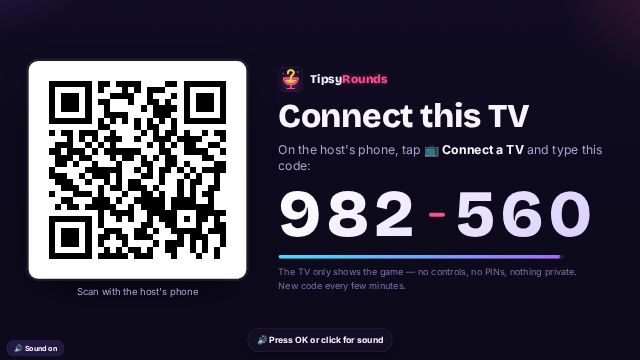
-
Step 3: On your phone: Connect a TV
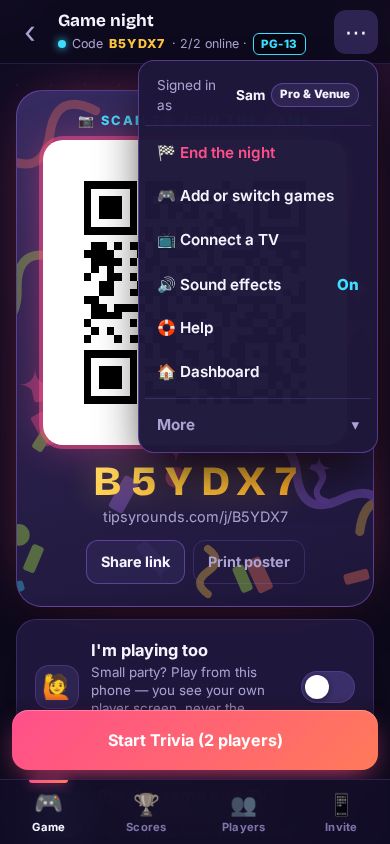
On your host phone, open your game night, tap ⋯ and then 📺 Connect a TV. A TV needs a free account.
-
Step 4: Type the code
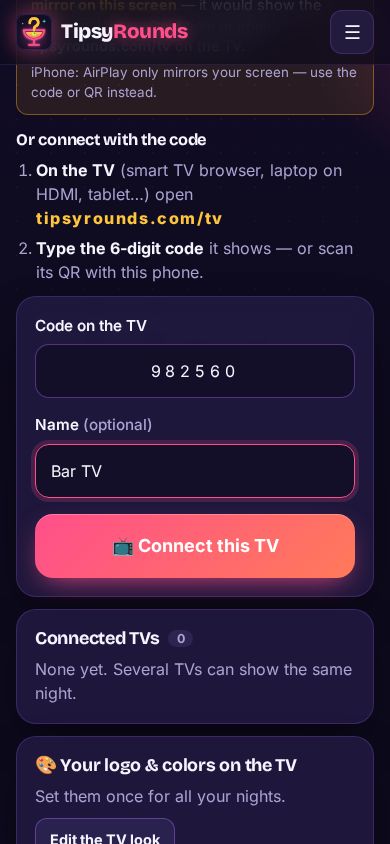
Type the 6-digit code from the TV and tap 📺 Connect this TV.
-
Step 5: The game is on the big screen
The TV shows the join QR, the questions, reveals and scores, never host controls. Players join on their own phones: no app for them.
📺 TV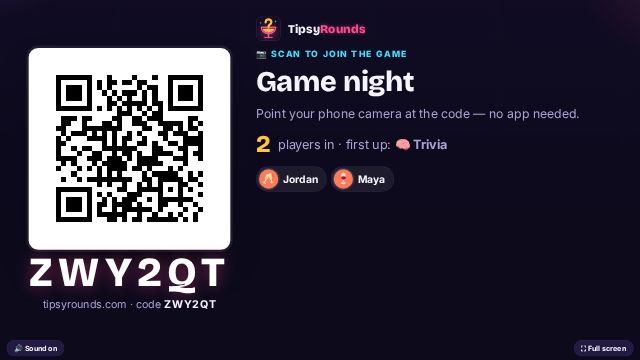
Good to know
- Remote: press ✱ (the star button) for options: Reload and Unlink this TV. Back leaves the channel.
- Weekly nights at a bar? Link the TV to your venue once and it follows every night you run there (the Pro & Venue plan).
- Keep the Roku on the same reliable Wi-Fi as the bar. If the internet drops, the channel reconnects by itself.
- No need to screen-mirror anything any more, and never mirror the host phone: it shows the answers.
Still stuck? Contact us — a real person reads every message. · All help articles