New here? Answers for new hosts
What to do first, what players need, QR codes and table tents, venue and host pages, scheduling, and what it costs.
-
Where do I start?
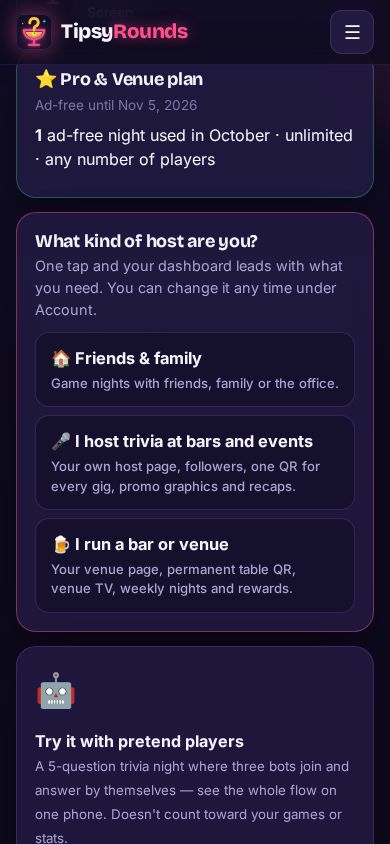
Answer What kind of host are you? on your dashboard: 🏠 Friends & family, 🎤 I host trivia at bars and events or 🍺 I run a bar or venue. It decides what your dashboard leads with. Then tap + New game night: pick the games, tap Create, and the QR shows up right away.
-
Do players need an app or an account?
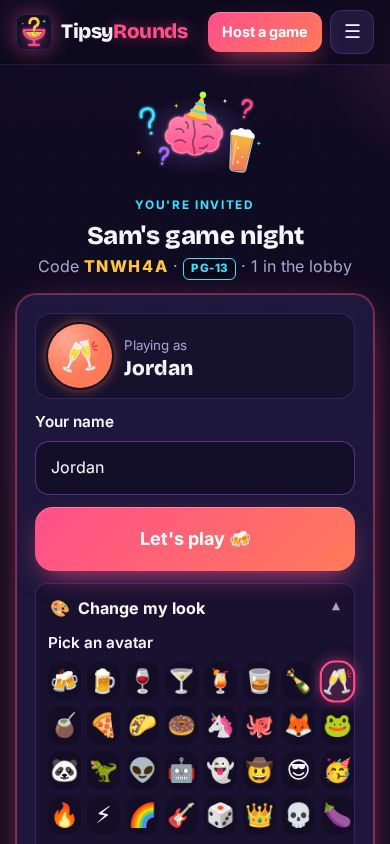
No. They scan the QR (or type the 6-letter code at tipsyrounds.com), pick a name and play in their phone’s browser. Nothing to download, no signup.
-
Which QR code do I print?
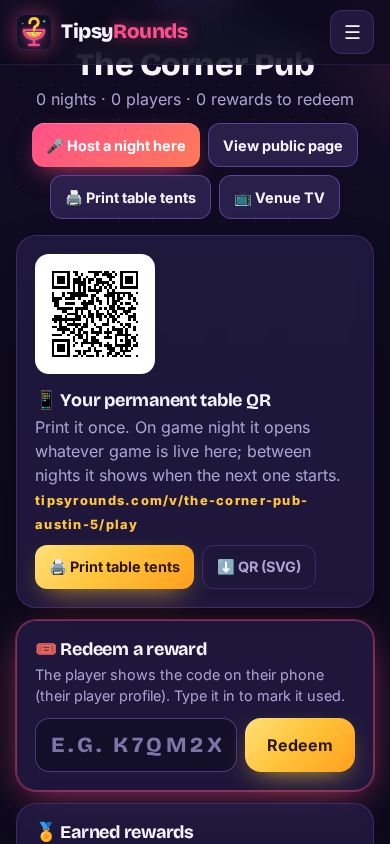
Each night has its own code, which ends with the night. For something you print once, use a permanent QR: a bar’s table QR (on the venue page) always opens whatever game is live there, and a trivia host’s own QR opens whatever they’re hosting anywhere. Both come with the Pro & Venue plan.
-
How do I print table tents?
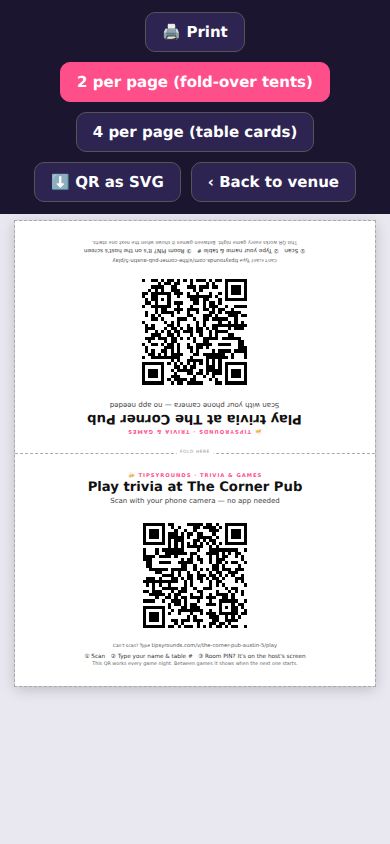
Bars: menu → 📍 My venues → your venue → 🖨️ Print table tents. Trivia hosts: menu → 🎤 Host page & places → 📱 Your own QR → 🖨️ Print table tents. Pick 2 per page (fold-over) or 4 per page (cards) and print at 100%.
-
Why make a venue page?
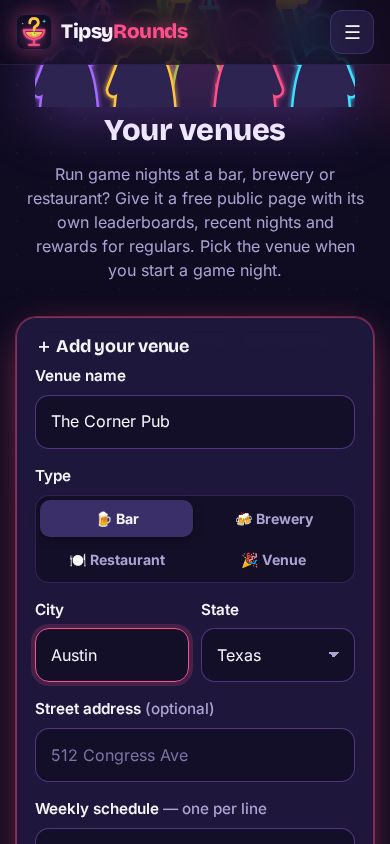
Your bar gets a page with its weekly schedule, leaderboards and a 🔔 Follow button, so players hear about the next night. It’s also what gives you the permanent table QR, the venue TV and rewards for regulars. See Set up your venue.
-
What does it cost, and how do I cancel?
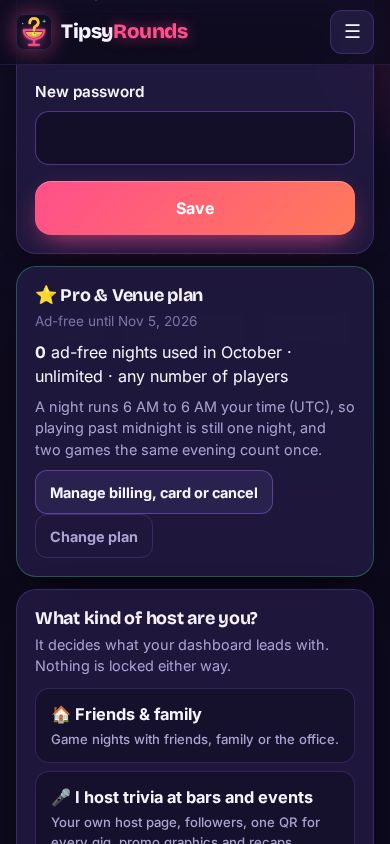
Hosting is free, forever, with a few sponsor spots on screen. Paid plans take the ads off and add tools like the permanent QR. Change or cancel any time on Account → Manage billing, card or cancel. See Free vs paid plans.
More questions?
- Need a TV? No, everyone plays on their phones. For the room, open tipsyrounds.com/tv on any smart TV or laptop and scan its code, or tap 📺 Connect a TV on the host screen.
- Weekly trivia: tap + New game night, open ⚙️ Night options, pick 📅 Schedule for later and tick 🔁 Repeat weekly. The lobby opens by itself, and followers get an email with a calendar link.
- Try it alone first: 🤖 Start a demo on your dashboard runs a 5-question night with three pretend players.
- Run into something? See Troubleshooting, or write to us from Contact.
Still stuck? Contact us — a real person reads every message. · All help articles