Trivia hosts: your host page, your own QR and table tents
Host trivia at bars and events? Your own page follows you from bar to bar, players follow you and hear about your next night, and one QR on your table tents opens whatever you’re hosting, anywhere.
-
Step 1: Tell us you host trivia
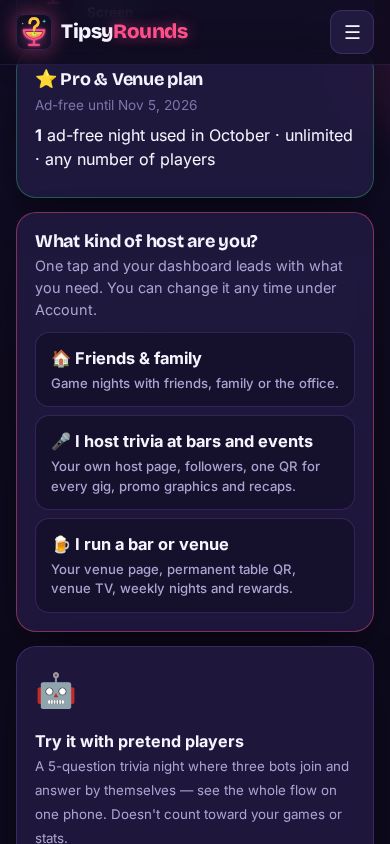
The first time you open the dashboard it asks What kind of host are you? Tap 🎤 I host trivia at bars and events. Your dashboard then leads with your trivia business, and your page can show in public lists. You can change this any time under Account.
-
Step 2: Turn on your host page
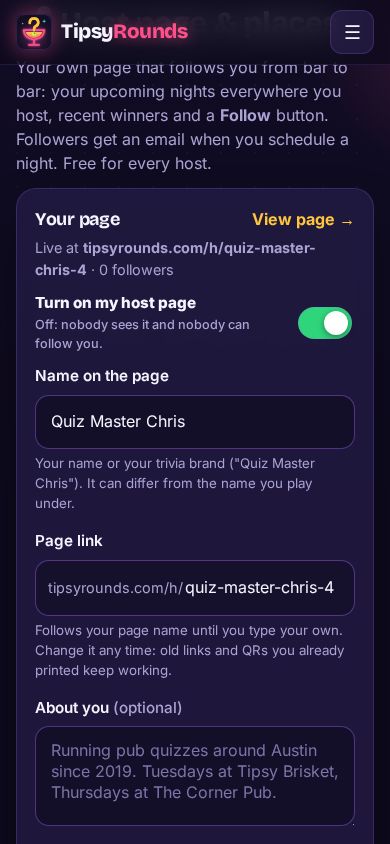
Open the menu → 🎤 Host page & places. Switch on Turn on my host page, type the Name on the page (your trivia brand can differ from the name you play under), and check the Page link: it follows your page name until you type your own. Add a photo or logo, a short bio and your city, then Save host page.
-
Step 3: Print your own QR and tents
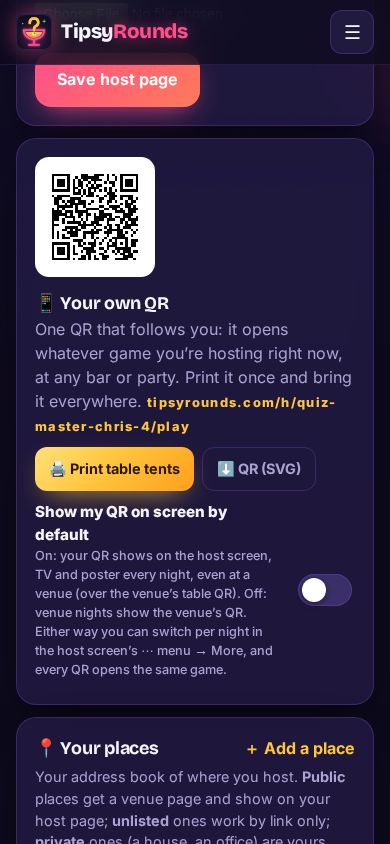
Further down, 📱 Your own QR is one permanent QR that opens whatever game you’re hosting right now, at any bar or party. Tap 🖨️ Print table tents once and bring them to every gig. It comes with the Pro & Venue plan.
-
Step 4: Add the bars you host at
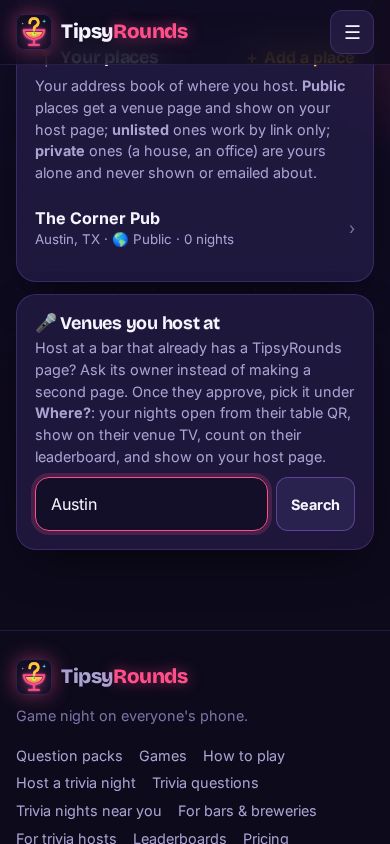
Under 🎤 Venues you host at, search for the bar. If it’s already on TipsyRounds, tap I host here: the owner gets an email and approves you once. Your nights there then open from their table QR, play on their TV and count on their leaderboard. If the bar isn’t on TipsyRounds yet, add it as one of your own places.
-
Step 5: Share your page
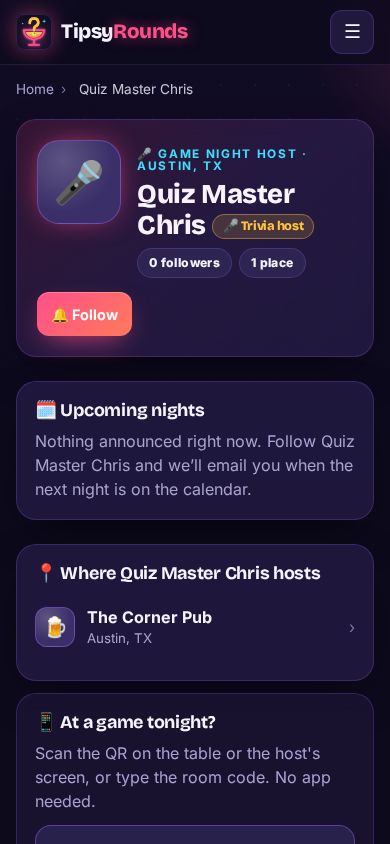
Your page at tipsyrounds.com/h/… shows your upcoming nights everywhere you host and a 🔔 Follow button. When you schedule a night, your followers get one email with ➕ Add to calendar and a reminder that afternoon.
Good to know
- Your host page and followers are free. Your own QR and table tents come with the Pro & Venue plan.
- Changed your page link? Old links and QRs you already printed keep working.
- Which QR shows on screen tonight? On a venue night it’s the venue’s table QR; switch any night to My QR under ⋯ → More → 📱 QR on screen, or make yours the default on 🎤 Host page & places. Every QR opens the same game.
- Promote a scheduled night with 📣 Promote on 📅 Upcoming nights: post, square, story and wide graphics with a caption.
- Hosting friends at home instead? Pick 🏠 Friends & family: your page stays private and your dashboard stays simple.
Still stuck? Contact us — a real person reads every message. · All help articles