
Fire TV Stick, Roku and other TVs
Use the TV’s browser if it has one; otherwise mirror a spare device — never the host phone.
-
Step 1: Fire TV Stick: open its browser
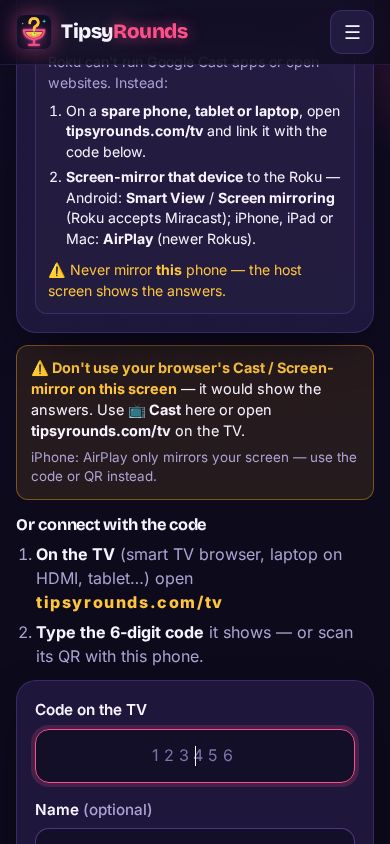
On a Fire TV Stick or another streaming stick with a web browser, open the browser, go to tipsyrounds.com/tv and type the code it shows on your host phone.
📺 TV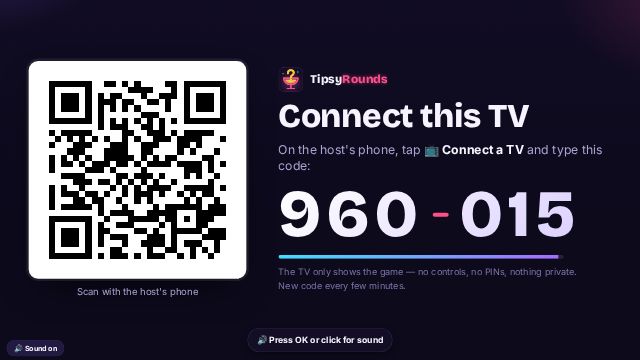
-
Step 2: Roku: use a spare device
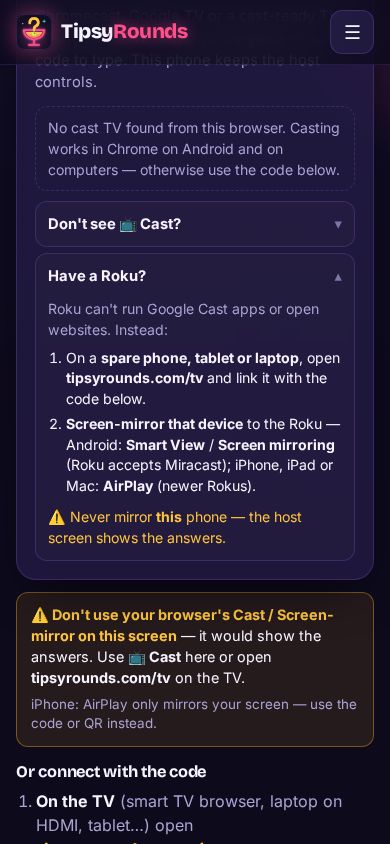
A Roku can’t open websites. Open tipsyrounds.com/tv on a spare phone, tablet or laptop, link it with the code, then screen-mirror that device to the Roku (Android: Smart View / Screen mirroring; iPhone, iPad or Mac: AirPlay on newer Rokus).
-
Step 3: Never mirror the host phone
Whatever the TV, don’t mirror or AirPlay your host phone — its screen shows the answers.
Tips
- Any laptop with an HDMI port works as the TV: plug it in and open tipsyrounds.com/tv full screen.
- Chromecast or Google TV built in? Use 📺 Cast instead.
Still stuck? Contact us — a real person reads every message. · All help articles